

In This Article
I ran a speed test on a client's website last month. It took 8.3 seconds to load on mobile. Their bounce rate was 71%. They were spending $4,000 a month on Google Ads driving traffic to a site that most people never waited around to see. That's not a marketing problem. That's an engineering problem.
Speed is not a nice-to-have. It is the single most underrated factor in whether your website generates revenue. I've been building websites for over 20 years, from enterprise platforms at Disney and Universal to lean marketing sites for small businesses. The pattern is always the same: fast sites convert, slow sites bleed money.
The Real Cost of a Slow Website
Let me put some numbers to this. Google's own research shows that as page load time goes from 1 second to 3 seconds, the probability of a visitor bouncing increases by 32%. Go from 1 to 5 seconds and that number jumps to 90%. Nine out of ten people leave before they ever see your offer.
What that looks like in practice:
- Every 1-second delay in load time reduces conversions by roughly 7%. If your site generates $10,000/month in revenue, a 2-second improvement could mean $1,400 more per month.
- Amazon calculated that a 100-millisecond delay costs them 1% in sales. You're not Amazon, but the principle scales down. Your visitors have the same expectations.
- 53% of mobile users abandon a site that takes longer than 3 seconds to load. And mobile traffic now accounts for over 60% of all web traffic.
- Google uses page speed as a ranking factor. Slow sites get buried in search results. You're paying for that invisibility with lost organic traffic every single day.
This isn't abstract. If you're running a business and your website takes more than 3 seconds to load, you are actively losing customers. Not hypothetically. Right now. Today.
Core Web Vitals: What Google Measures
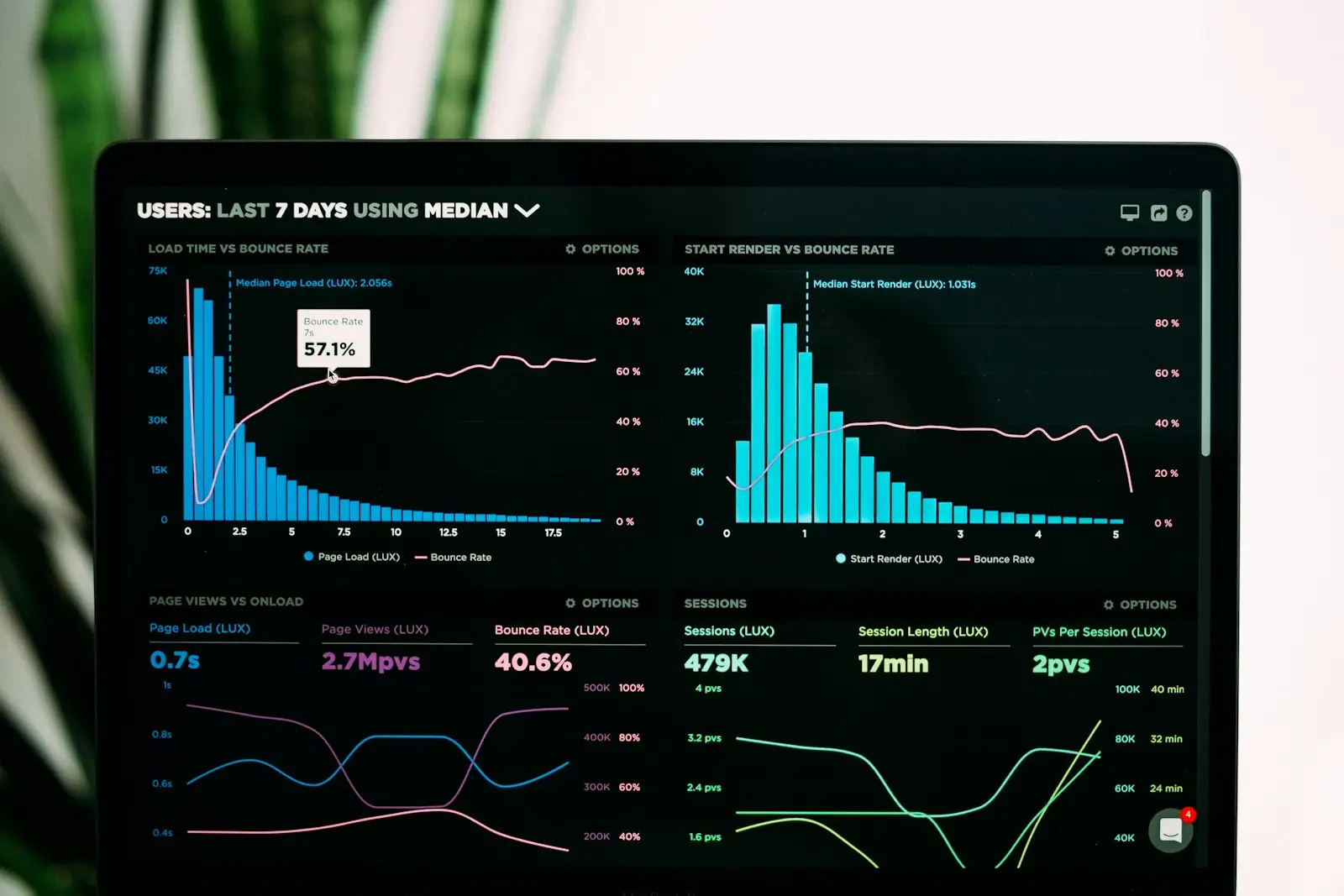
Google doesn't just care about overall load time anymore. Since 2021, they've been measuring three specific metrics called Core Web Vitals. These directly affect your search rankings, and they're worth understanding even if you're not technical.
Largest Contentful Paint (LCP)
This measures how long it takes for the biggest visible element on your page to load. Usually that's a hero image or a large block of text. Google wants this under 2.5 seconds. If your hero image is a 4MB uncompressed JPEG, you've already lost.
Interaction to Next Paint (INP)
INP replaced First Input Delay in March 2024. It measures how quickly your site responds when someone does something, like clicking a button or tapping a menu. Google wants this under 200 milliseconds. Heavy JavaScript frameworks are the usual culprit when this metric goes red.
Cumulative Layout Shift (CLS)
Ever had a page load and then the content jumps around as images and ads pop in? That's layout shift, and it drives people crazy. Google wants this under 0.1. The fix is usually simple: set explicit width and height on images and reserve space for dynamic content.
The takeaway: These three metrics aren't Google being fussy for its own sake. They measure real frustration. A site that scores well feels quick and steady under your thumb, and people who aren't quietly annoyed are far more likely to buy something.
The Technical Playbook: How I Build Sub-2-Second Sites
When I build or optimize a website for a client, I follow the same playbook every time. These aren't theoretical best practices. This is the actual checklist I work through on every web development project.

1. Image Optimization (Biggest Win)
Images account for roughly 50% of a typical page's weight. This is almost always the first thing I fix, and it often delivers the most dramatic improvement.
- Convert images to WebP or AVIF format. These are 25-50% smaller than JPEG at the same quality.
- Serve responsive images with
srcsetso mobile devices don't download desktop-sized files. - Lazy-load every image below the fold. Only load what the visitor can see.
- Set explicit dimensions on every image element to prevent layout shift.
- Use a CDN to serve images from a server close to your visitor.
I've seen image optimization alone cut load times in half. On one e-commerce client's site, switching from PNG to WebP and adding lazy loading dropped their LCP from 5.8 seconds to 2.1.
2. Ship Less JavaScript
This is the hard truth about most modern websites: they're drowning in JavaScript. WordPress sites with 15 plugins. Wix and Squarespace sites loading massive framework bundles. React SPAs that send 500KB of JavaScript before the user sees a single word.
My approach is simple. Start with HTML and CSS. Add JavaScript only where you need interactivity. Code-split so that each page only loads the scripts it uses. And if a third-party script isn't directly contributing to revenue, remove it.
3. Server Response Time
Your server's Time to First Byte (TTFB) sets the floor for everything else. If your server takes 2 seconds just to start responding, you can't possibly hit a 2.5-second LCP.
- Use a CDN to serve cached pages from edge locations worldwide.
- Pre-render static pages at build time instead of generating them on every request.
- Optimize database queries if you're running a dynamic site.
- Choose hosting that matches your traffic, not the cheapest plan available.
4. Font Loading Strategy
Custom fonts are one of those silent performance killers. A single Google Font can add 100-300ms to your load time if loaded incorrectly.
- Self-host fonts instead of loading from Google's CDN. Fewer DNS lookups, more control.
- Use
font-display: swapso text renders immediately with a fallback font. - Subset your fonts to include only the characters you use.
- Preload your primary font file in the document head.
5. Caching and Preloading
A first-time visitor's experience is important. A returning visitor's experience should be instant. Proper caching makes that happen.
- Set aggressive cache headers for static assets like images, CSS, and JavaScript.
- Use a service worker for offline capability and instant repeat loads.
- Preload critical resources that the browser won't discover until later in the parsing process.
- Prefetch pages the user is likely to navigate to next.

Modern Frameworks vs. the Bloat Problem
I build most of my client sites with Astro, a modern static-first framework. Here's why that matters.
Traditional platforms like WordPress, Wix, and Squarespace ship heavy JavaScript bundles to every visitor. A typical WordPress site with a page builder and a handful of plugins sends 1-3MB of JavaScript on every page load. Wix and Squarespace aren't much better because you have no control over their underlying architecture.
Astro takes the opposite approach. It generates pure HTML and CSS at build time. JavaScript only gets included for components that need interactivity. The result is pages that load in under a second on most connections.
This site, jeremybuff.com, is built with Astro. Run a speed test on it. Compare it to your current site. The difference speaks for itself.
Static-first doesn't mean static-only. You can still have forms, animations, dynamic content, and API integrations. The difference is that the baseline is fast, and you add complexity only where it creates value. That's the performance-first approach to web development I use on every project.
How to Test Your Site Right Now
You don't need to hire anyone to find out if your site has a speed problem. These tools are free and take about 30 seconds each:
- Google PageSpeed Insights is the gold standard. Enter your URL and you'll get Core Web Vitals scores, specific issues, and prioritized recommendations. Test both mobile and desktop.
- WebPageTest gives you a filmstrip view of your page loading frame by frame. Great for seeing exactly what your visitors experience.
- Chrome DevTools (Lighthouse) runs the same audit as PageSpeed Insights but locally. Open DevTools, go to the Lighthouse tab, and run an audit. Useful for testing changes before deploying.
- GTmetrix provides historical tracking so you can see how your speed changes over time.
If your mobile PageSpeed score is below 50, you have a serious problem. Below 70 means there's real room for improvement. Above 90 means you're in good shape. For reference, I target 90+ on every site I build.
What "Fast" Means in 2025
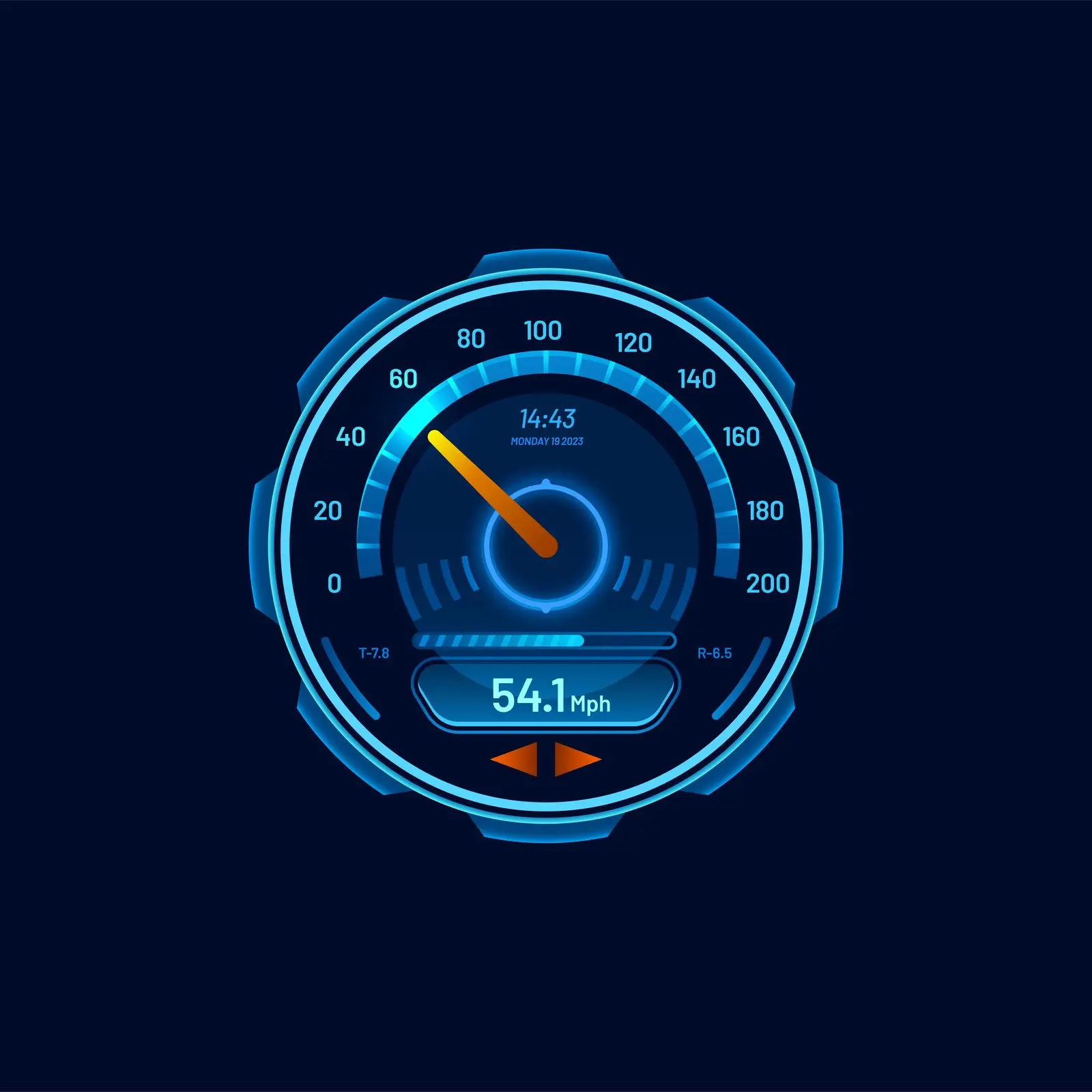
Here are the benchmarks I hold every project to:
- LCP under 2.0 seconds (Google says 2.5, but I push for faster)
- INP under 100ms (Google says 200, same deal)
- CLS under 0.05 (Google says 0.1)
- Total page weight under 500KB on initial load
- Time to Interactive under 3 seconds on a mid-range phone on 4G
Those targets sound aggressive, and they are. But they're achievable with the right architecture and the right tools. More importantly, they reflect what users expect. People's tolerance for slow websites drops every year. What passed as "acceptable" in 2020 feels broken in 2025.
My rule of thumb: If I wouldn't wait for it, my client's customers won't either. Build for impatient people. That's all of us.
Speed Is a Business Decision
I've framed this as a technical problem because that's where the fixes live. But the decision to invest in performance is a business decision. A fast website isn't just about pleasing Google. It's about respecting your visitors' time, building trust in those first critical seconds, and making sure the money you spend driving traffic doesn't leak out through a slow front door.
If your site is underperforming, the fix might be simpler than you think. Sometimes it's image optimization and a better hosting setup. Sometimes it's a full rebuild on a modern stack. Either way, the ROI on speed is one of the highest returns you'll find in digital marketing.
I work with businesses on exactly this, from technical audits and optimization to conversion-focused rebuilds. If you want to talk about what's slowing your site down and what it would take to fix it, let's have that conversation.